
Model APIs drift. Your app should not.
Moving between models should not force endpoint rewrites, new billing setups, or separate reliability checks. Kyma keeps one API contract for chat, image, video, and audio so your app can ship and switch faster.
$0.50 signup credit, no card required. Credit details
Know the cost before you build
Real models, published prices.
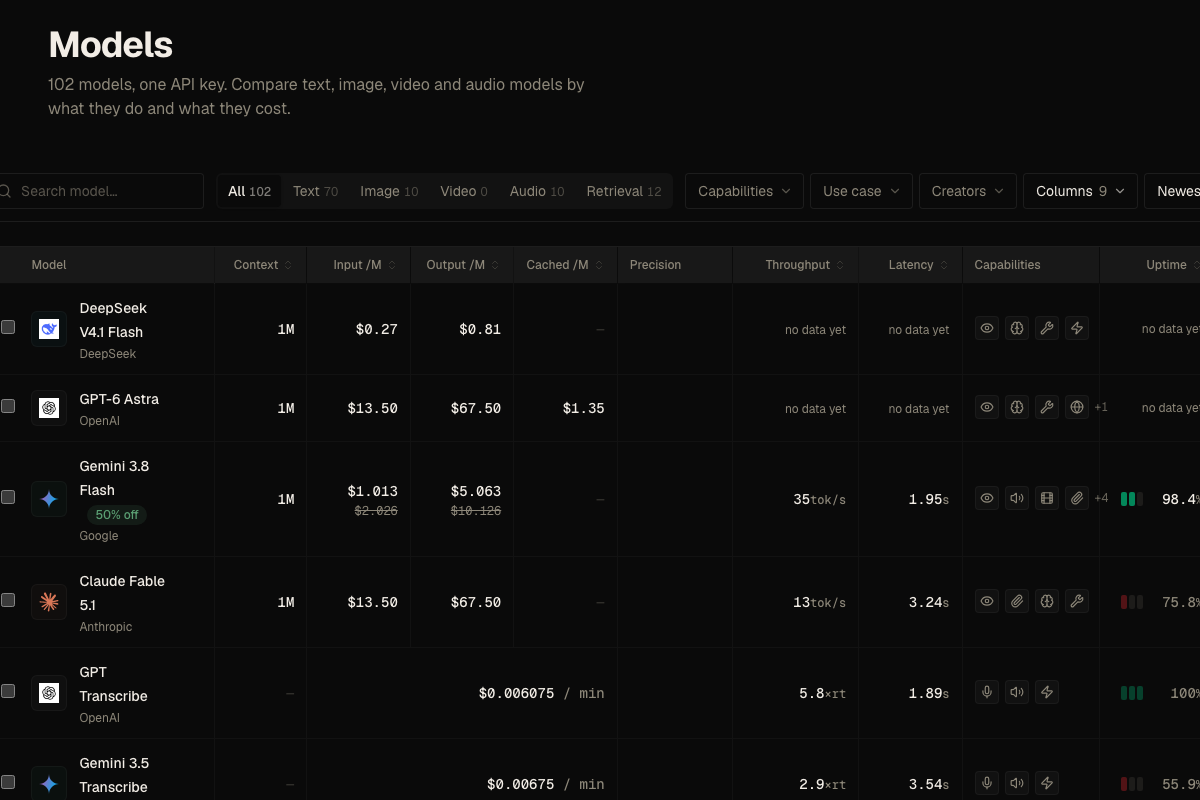
101 models share one key and balance.
Swipe the table to compare all rates.
| Model | Input / 1M | Cached input / 1M | Output / 1M |
|---|---|---|---|
| Qwen 3.6 Plus | $0.4911 | Not published | $2.947 |
| DeepSeek V4 Flash | $0.1389 | $0.0243 | $0.2778 |
| Gemini 3.7 Flash | $1.013 | $0.050625 | $5.063 |
83% less for cached input on DeepSeek V4 Flash.
All prices →Know the reliability
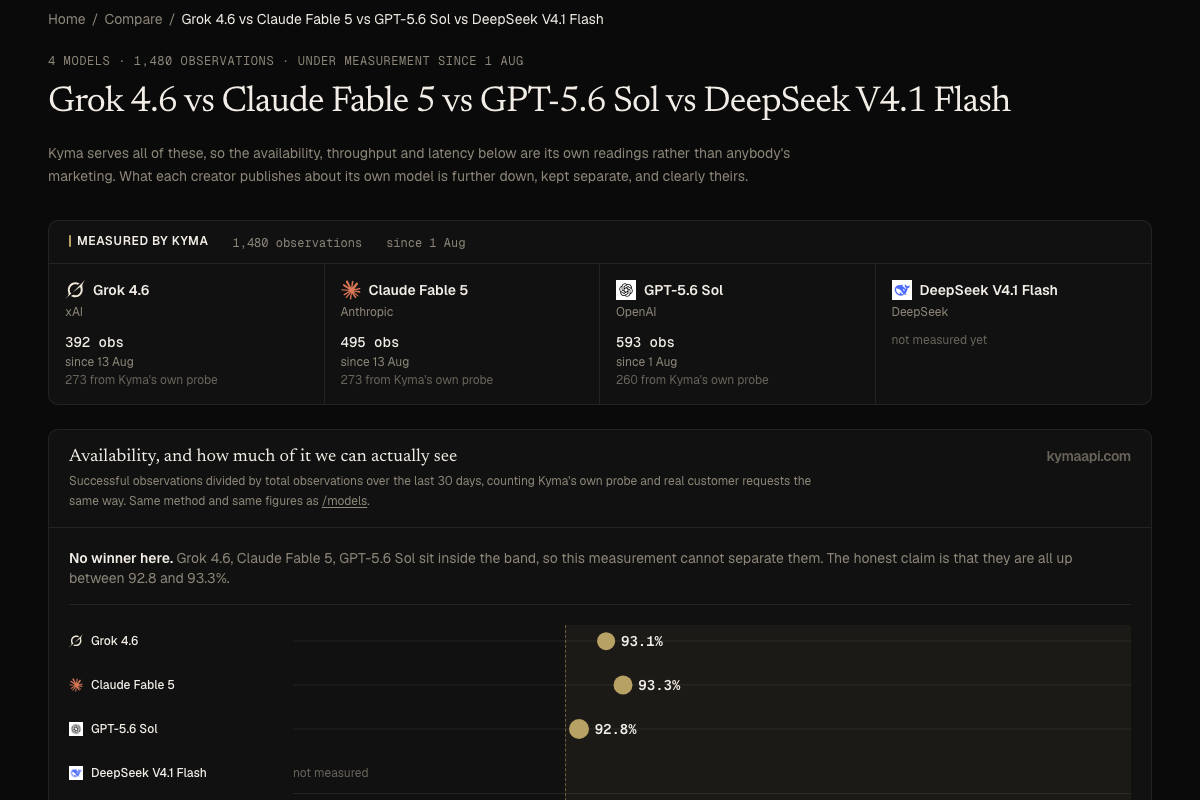
Measured uptime, model by model.
Automatic fallback keeps requests moving when a compatible route is available.
Your first request in three lines.
Use your existing OpenAI or Anthropic SDK.
from openai import OpenAI
client = OpenAI(base_url="https://kymaapi.com/v1", api_key="YOUR_KYMA_KEY")
print(client.chat.completions.create(model="qwen-3.6-plus", messages=[{"role": "user", "content": "Hello!"}]).choices[0].message.content)
OpenAI: /v1/chat/completions. Anthropic: /v1/messages. SDK setup →
Connect through compatible clients
 OpenClaw
 Cline
Cline Roo Code
 Cursor
 Claude Code
 OpenCode
 Aider
Aider Continue
Ship the same app flow across chat, compare, and MCP.
Every screenshot below is a live Kyma surface. One endpoint and one balance carry the same product from model catalog to comparison to assistant setup.
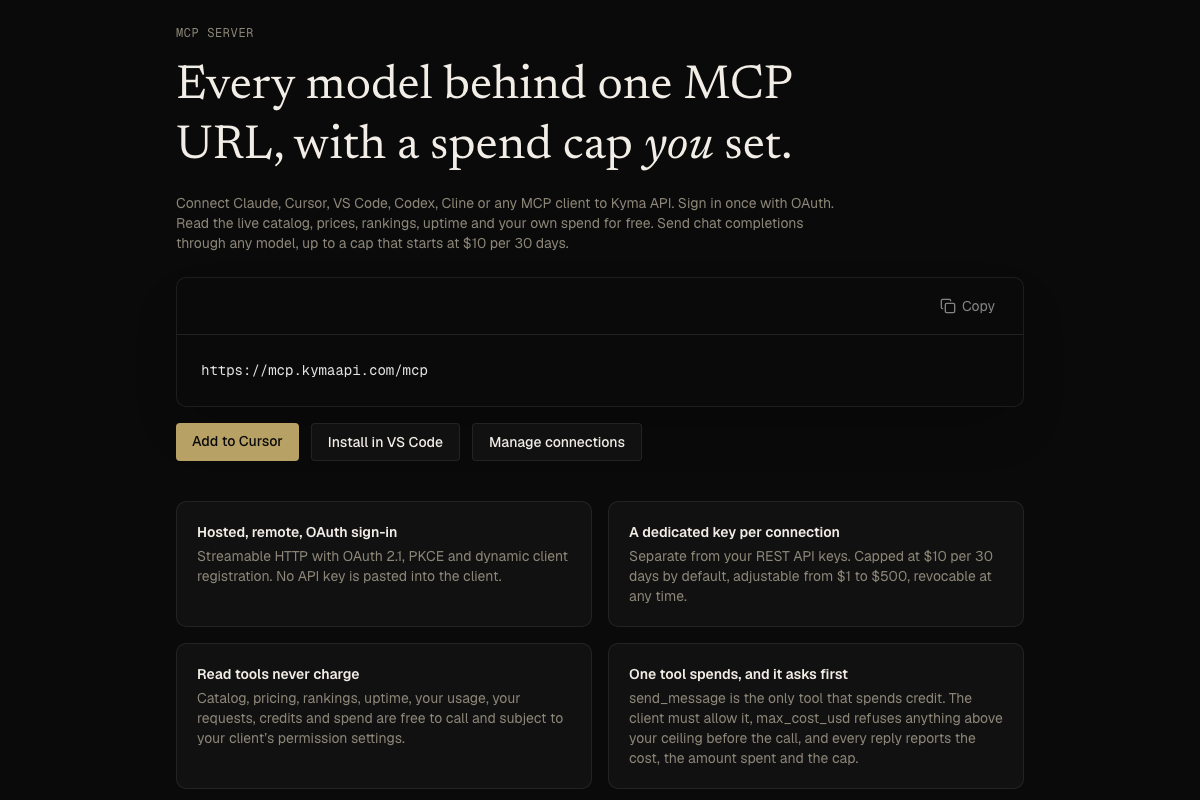
Connect your AI assistant
Connect your assistant to the live catalog and chat tools through MCP.
Set up MCP →https://mcp.kymaapi.com/mcp